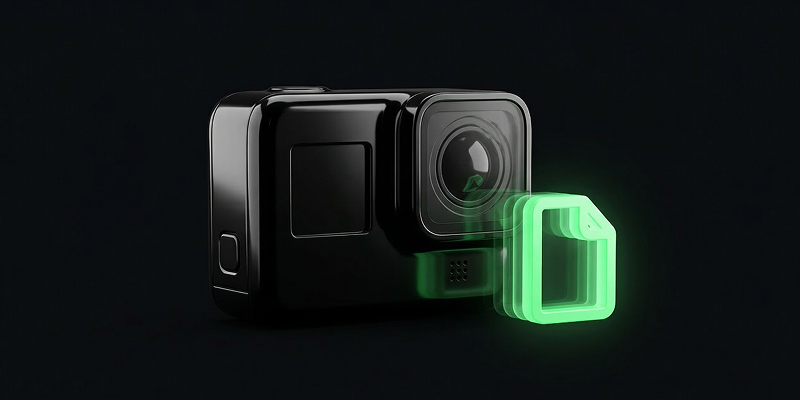
How to Compress GoPro Footage Without Losing Quality

Understanding GoPro Video Files
GoPro cameras are renowned for their ability to capture high-quality footage, but this often results in large file sizes. Understanding the technical aspects of GoPro video files can help you manage and compress them effectively.
- Resolution: GoPro cameras can record videos in 4K, 2.7K, 1080p, and other resolutions.
- Frame Rate: Higher frame rates, like 60fps or 120fps, lead to larger files.
- Codec: Most GoPro videos use the H.264 codec, but newer models support HEVC (H.265) for more efficient compression.
Choosing the Right Software
To compress GoPro videos without losing quality, using the right software is crucial. Some popular tools include:
- HandBrake: An open-source tool that offers fine-tuned control over compression settings.
- Adobe Premiere Pro: While primarily an editing suite, it offers advanced export settings.
- SquishVideo: A user-friendly online tool designed specifically for video compression.
Try it now: Compress your video for free with SquishVideo — no signup, no watermark.
Optimizing Video Settings
Adjusting video settings can significantly reduce file size while maintaining quality. Key settings include:
- Resolution: Lower the resolution if 4K is unnecessary for your needs.
- Bit Rate: Choose a lower bit rate to reduce file size, but avoid going too low to maintain quality.
- Codec: Use the HEVC codec if supported, as it provides better compression without quality loss.
Step-by-Step Guide to Compression
Follow these steps to compress your GoPro footage:
- Import: Load your video file into your chosen software.
- Settings: Adjust the resolution, bit rate, and codec settings.
- Preview: Use the preview feature to ensure quality is intact.
- Export: Save the compressed file to your desired location.
Best Practices for Compression
Adhering to a few best practices can enhance your compression results:
- Batch Processing: Compress multiple files simultaneously to save time.
- Backup Originals: Always keep original files in case you need to revert changes.
- Test Settings: Experiment with different settings to find the optimal balance between size and quality.