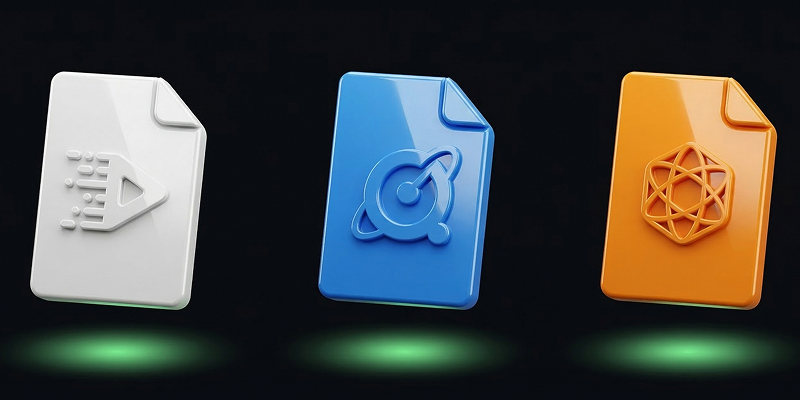
MP4 vs MOV vs WebM: Understanding the Best Video Format

Overview of Video Formats
Choosing the right video format is crucial for content creators, developers, and producers. The formats MP4, MOV, and WebM each offer unique benefits and limitations depending on the intended use, whether for streaming, editing, or storage.
MP4 Format
MP4 is one of the most versatile and widely used video formats today. It provides excellent compression without sacrificing quality, making it ideal for streaming and sharing on different platforms. MP4 is compatible with nearly all devices and media players.
Advantages of MP4
- Universal compatibility
- Efficient compression
- Supports high-quality video and audio
Disadvantages of MP4
- Limited editing flexibility
- Potential for quality loss in compression
MOV Format
The MOV format, developed by Apple, is known for its high-quality video output. It is particularly popular among video editors using Apple's Final Cut Pro. While MOV files are generally larger, they maintain superior video quality.
Advantages of MOV
- High-quality video
- Excellent for professional editing
Disadvantages of MOV
- Larger file sizes
- Limited compatibility with non-Apple devices
WebM Format
WebM is an open-source video format designed for web use, particularly for HTML5 video. It offers efficient compression and is supported by major browsers like Chrome and Firefox.
Advantages of WebM
- Optimized for web streaming
- Open-source and royalty-free
Disadvantages of WebM
- Limited support on older devices
- Not ideal for non-web use
Try it now: Compress your video for free with SquishVideo — no signup, no watermark.
Comparison Table
| Format | Compatibility | Quality | Use Case |
|---|---|---|---|
| MP4 | Very High | High | General use, streaming |
| MOV | Apple devices | Very High | Video editing |
| WebM | Modern browsers | High | Web streaming |
Choosing the Best Format
When selecting a video format, consider the purpose of your video. If you're distributing across various platforms, MP4 is often the safest choice. For professional editing and high-quality output, MOV is preferred. For web-based applications, WebM is ideal due to its efficient streaming capabilities.